Assemblies & Bundles Overview
The Assemblies & Bundles module lets you manage kits -- products that are made from other products (components).
Enable Assemblies if: You sell products that are assembled from other products you stock individually -- gift boxes, starter packs, variety bundles. You need to track component consumption and know how many kits you can build.
Skip it if: Your bundles are virtual (just a grouped WooCommerce product with no physical assembly), or you do not sell any multi-component products.
Enabling the module
Go to Settings > Organization and toggle Assemblies & Bundles on.
What is a kit?
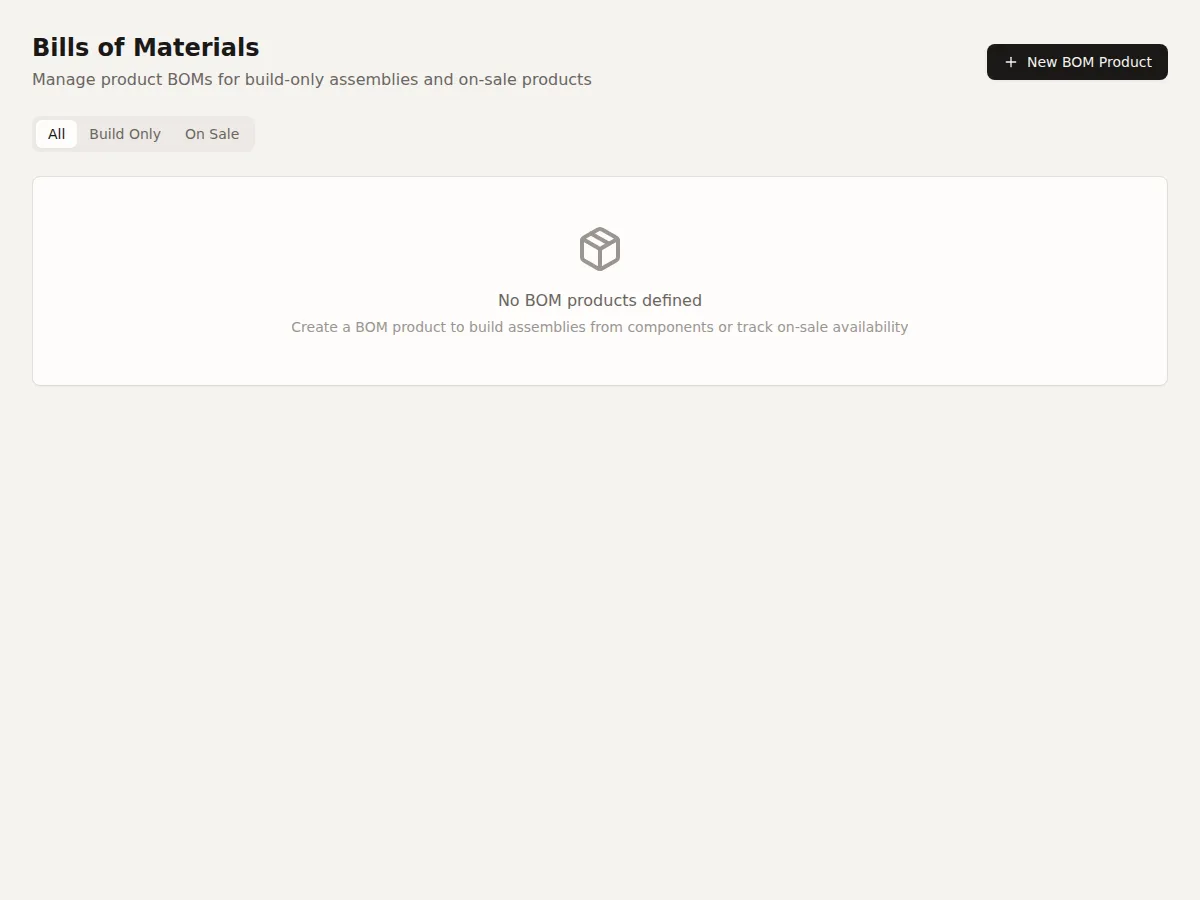
A kit is a product whose stock comes from assembling component products. For example, a "Starter Kit" might be made from 1x Widget A + 2x Widget B + 1x Carrying Case. The kit has its own stock level, and building it consumes component stock.
Key concepts
- Bill of Materials (BOM) -- The recipe that defines which components and how many of each are needed to build one unit. See Creating a Kit.
- Available to Build -- How many kits you can assemble right now. See Kit Availability.
- Assembly -- Building kits (consumes components, increases kit stock). See Assembling and Disassembling.
- Disassembly -- Reversing an assembly (increases components, decreases kit stock).