Reorder Suggestions and Urgency Levels
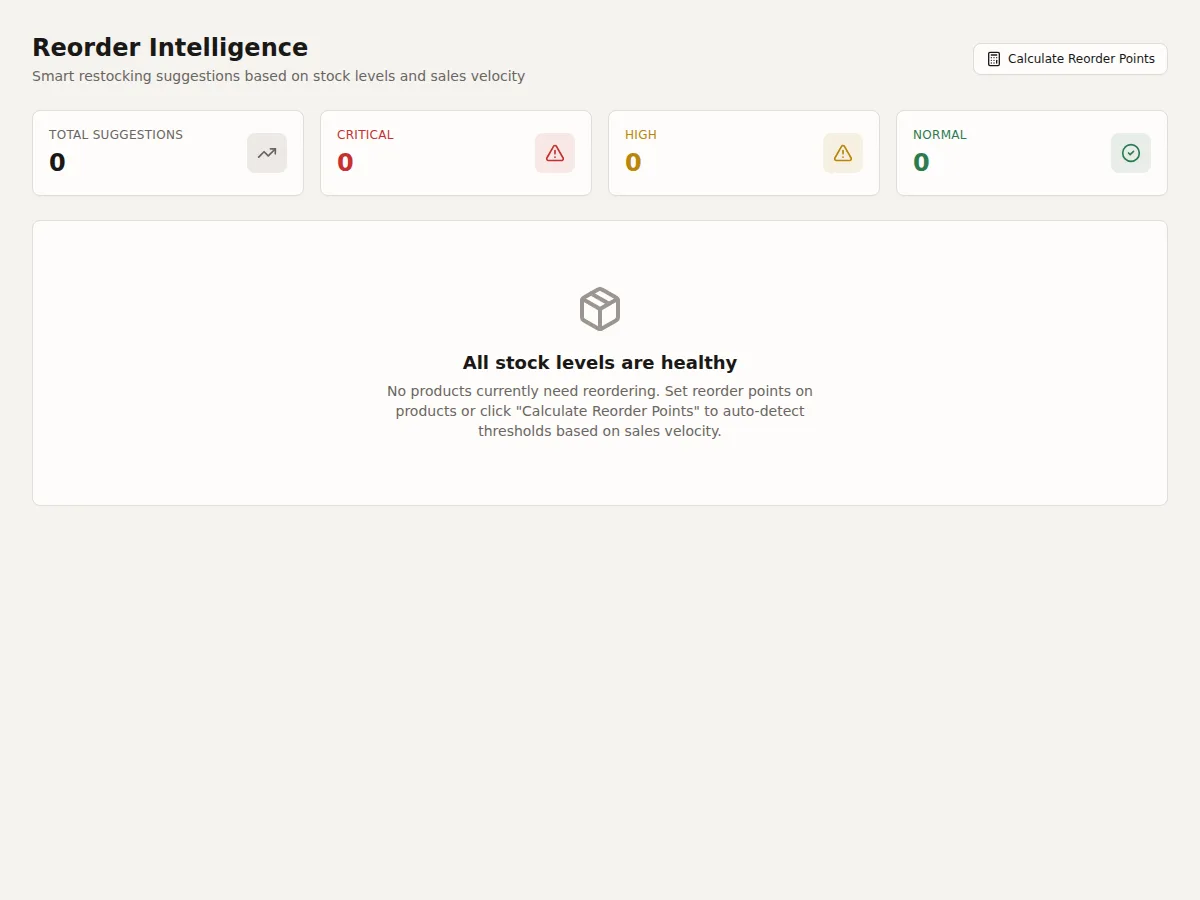
The Reorder page shows products that need restocking, sorted by urgency. No more "did we receive that shipment?" conversations -- everything is tracked.
Act on Critical suggestions immediately -- these products are out of stock with customers waiting. High urgency means you need to order now or you will stock out before the delivery arrives. Normal urgency means start planning but you have time.
Urgency levels
- Critical (red) -- Out of stock with active orders waiting. These customers are waiting and you have nothing to ship.
- High (orange) -- Will stock out within the supplier's lead time. If you do not order now, you will run out before the delivery arrives.
- Normal (yellow) -- Approaching the reorder point. Time to plan but not yet urgent.
What you see for each product
- Product name and SKU
- Current on hand, reserved, and available quantities
- Incoming quantity (from open purchase orders)
- Reorder point
- Suggested order quantity
Incoming stock
Products with open purchase orders show the incoming quantity. This is factored into the urgency calculation to prevent double-ordering.
Creating a PO from suggestions
Click "Create PO" next to a product (or select multiple and create a single PO) to generate a purchase order pre-filled with the suggested quantities.
Related: How Reorder Points Are Calculated | Creating Purchase Orders | Days Left Forecasting