Connecting Carrier Accounts
Carrier accounts let you buy shipping labels directly from Fulfiro. No need to log into a separate shipping tool.
Supported carriers
- UPS -- Full integration with rates, labels, tracking, and voiding
- GLS -- Full integration with labels, tracking, and voiding
FedEx, DHL, and USPS integrations are planned and coming soon.
Adding a carrier
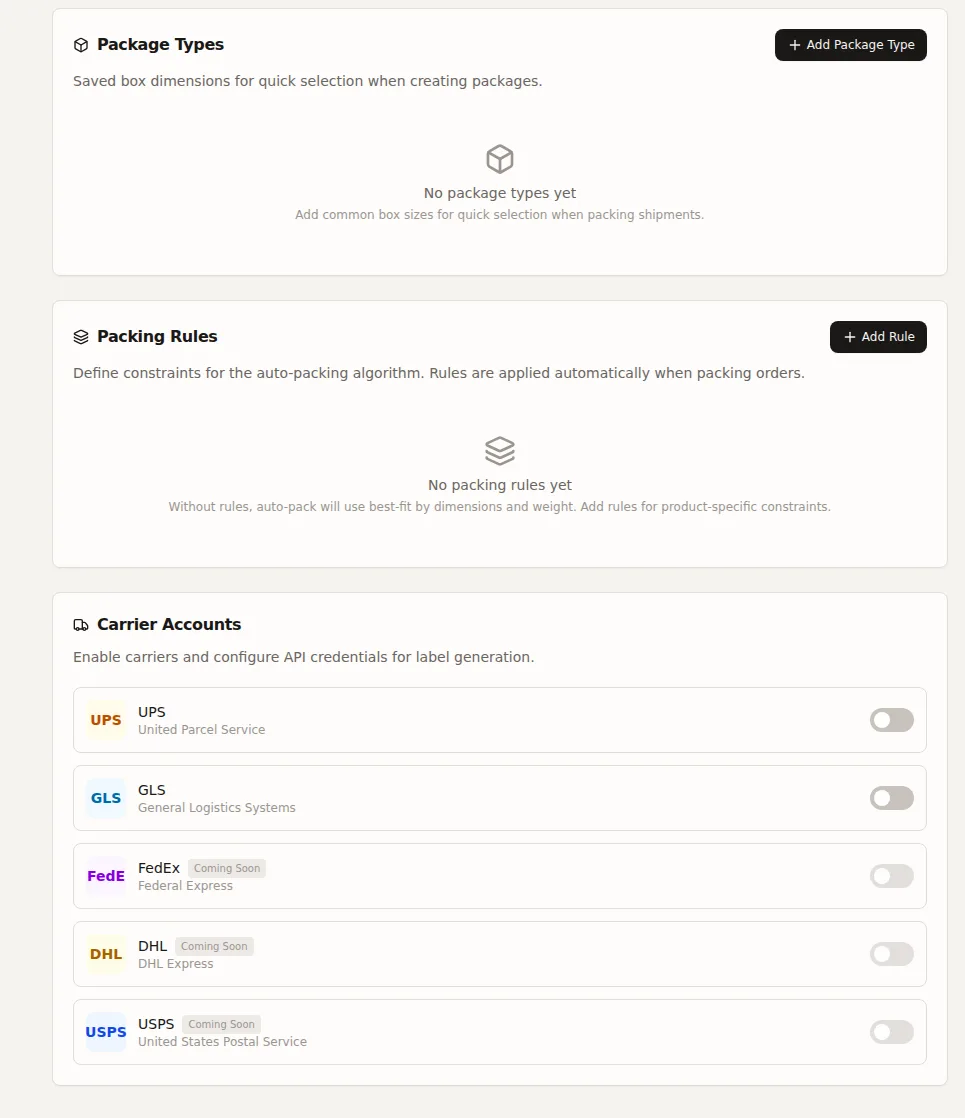
Go to Settings > Shipping and scroll to Carrier Accounts. Click Add Carrier.
- Select the carrier
- Enter your account name and number
- Enter carrier credentials
- Optionally set as default
- Optionally enable test mode for sandbox testing
Default carrier
Set one carrier as the default. It will be pre-selected during fulfillment.
Related: Rate Shopping | Shipping Settings