Setting Up Package Types
Package types are reusable box templates with predefined dimensions. Define them once, use them every time you ship.
Creating package types
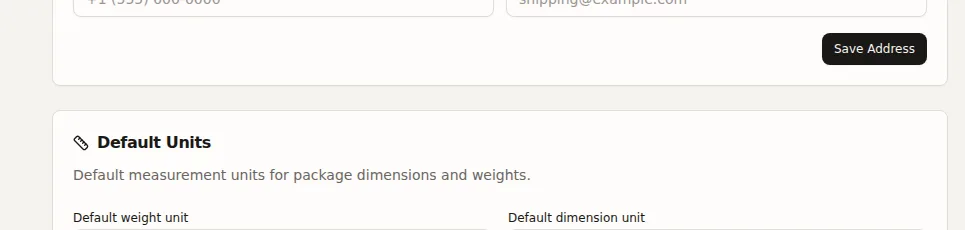
Go to Settings > Shipping (Carriers & Packages section) and click Add Package Type.
- Name -- e.g., "Small Box", "Large Flat Rate"
- Carrier (optional) -- Associate with a specific carrier
- Inner dimensions -- Length, width, height (in your org's unit system)
- Max weight (optional) -- Maximum weight the box can hold
- Default -- Mark one as the default for new shipments
How they are used
- In single-order fulfillment, select a package type instead of entering dimensions manually
- Auto-pack uses all package types to find the smallest fitting box
- Bulk fulfillment in "Same box" mode lets you pick a package type