Custom Fields Settings
Custom fields add extra data fields to your orders.
Go to Settings > Custom Fields to manage them.
Field types
| Type | Description |
|---|---|
| Text | Free-form text input |
| Number | Numeric input |
| Select | Dropdown with predefined options |
| Yes/No | Boolean toggle |
| Date | Date picker |
Creating a field
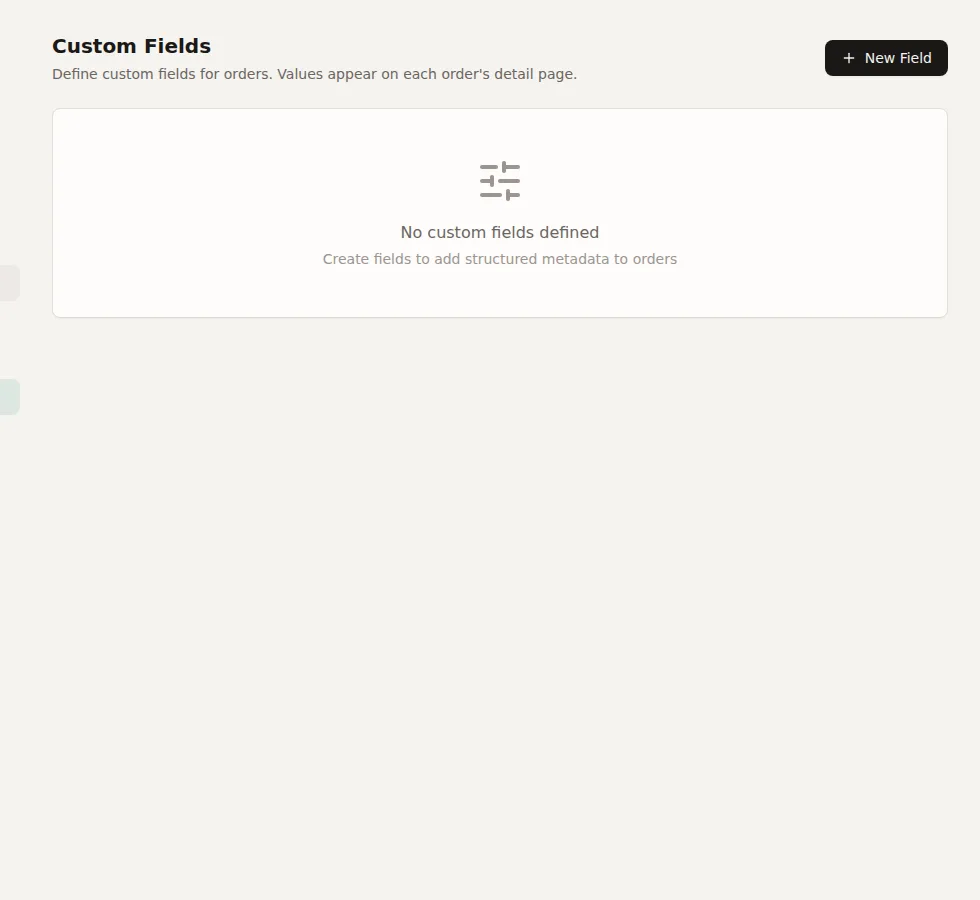
Click Add Field and configure:
- Name -- Display name
- Key -- Auto-generated from name, used for automation rule conditions
- Type -- Select the field type
- Options -- For Select type, define the dropdown choices
- Required -- Whether the field must have a value
Fields appear on every order's detail page. Values can be set manually or via automation rules.