Tags Settings
Tags help you categorize products and orders. They are separated by type.
Product tags
Used to categorize products. Visible on the Products page and product detail.
Order tags
Used to categorize orders. Visible on the Orders page and order detail. Can be set automatically via automation rules.
Managing tags
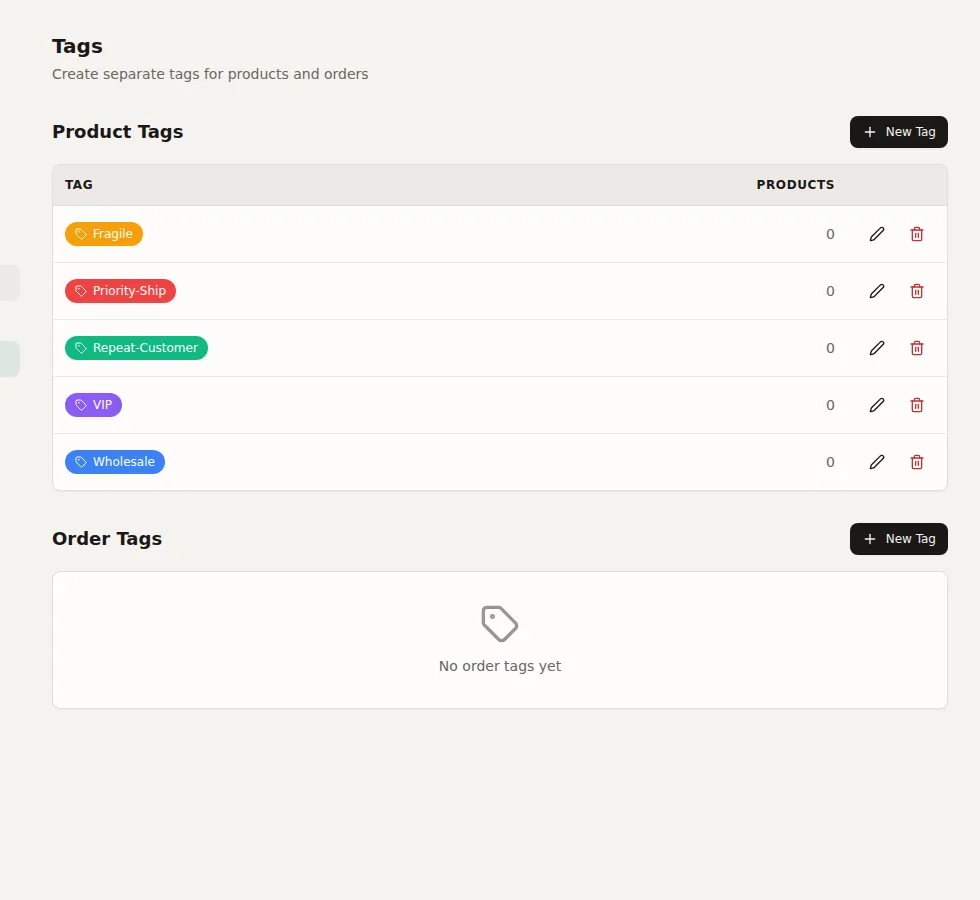
Go to Settings > Tags. For each tag type, you can:
- Create a new tag with a name and color (18 color options)
- Edit existing tag names and colors
- Delete tags (removes them from all associated products/orders)
Tags with the same name can exist in both types (e.g., a "Priority" product tag and a "Priority" order tag are separate).