Per-Store Settings
Each connected WooCommerce store has its own configuration page.
Accessing store settings
Go to Settings > Stores and click a store name.
Available settings
Store mode
- Read/Write (default) -- Fulfiro pushes stock changes and status updates to WooCommerce via two-way sync
- Read-Only -- Fulfiro syncs data from WooCommerce but never writes back. Useful for reporting-only stores.
Sync frequency
How often the scheduled background sync runs for this store. Default: every 15 minutes.
WooCommerce Status Mapping
Control how each WooCommerce order status affects inventory. See WooCommerce Status Mapping.
Push completed on label
Toggle whether buying a shipping label automatically updates the WooCommerce order to "completed." Default: on. See Tracking and Status Updates.
Actions
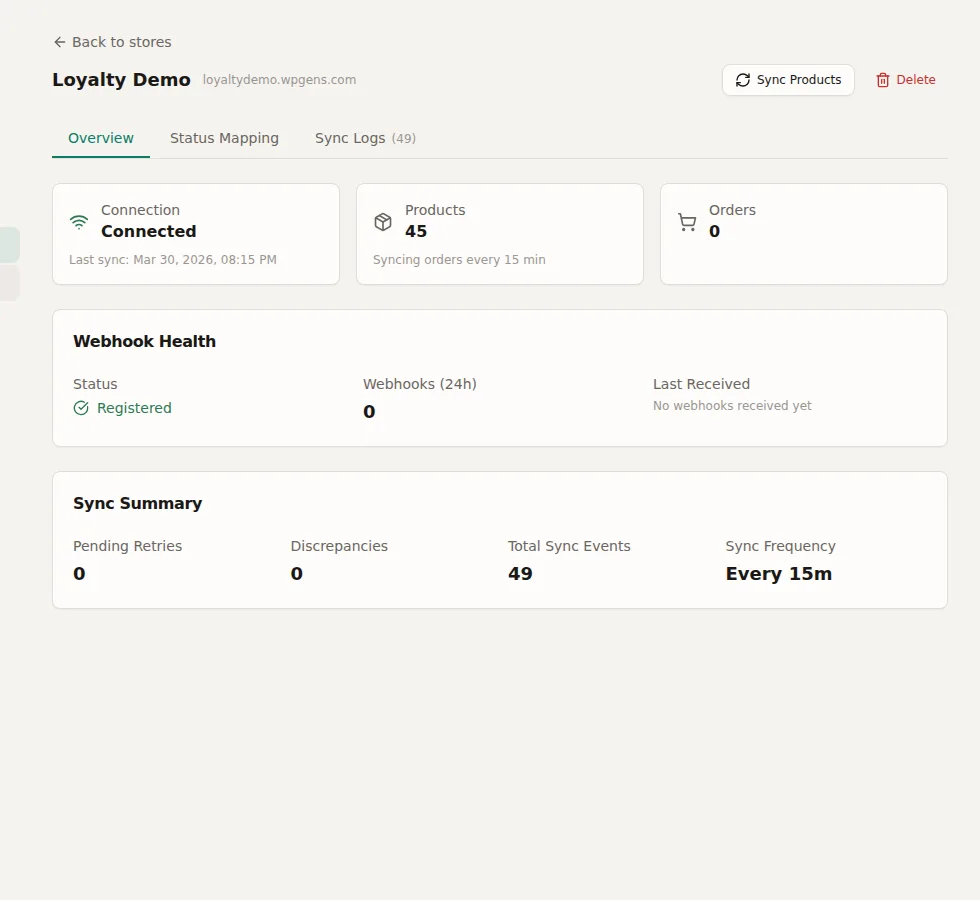
- Sync Now -- Trigger an immediate full sync
- Reconnect -- Re-authenticate with the WooCommerce store (if connection is broken)
- Delete Store -- Remove the store connection (does not delete data from WooCommerce)